
Immersive for members.
Effortless for staff.
Members submit their name. You tap Grant. The Doctor handles the rest - roles, nickname, welcome, audit log.
Free 30-day trial - no credit card required
Everything your staff needs. Nothing they don't.
Built for the realities of running a community. On the couch, on lunch or on a call.
Mobile approvals
Approvers get a ping with action buttons. One tap and it's done — no menus, no role hunting.
No manual role assignment
Approval auto-assigns Member and removes Pending. Denial kicks. Zero follow-up steps.
Full audit trail
Every approval and denial is logged in your server log channel with who acted and when.
Welcoming experience
Approved members get a personalized welcome embed posted the moment they're cleared.
Flexible setup
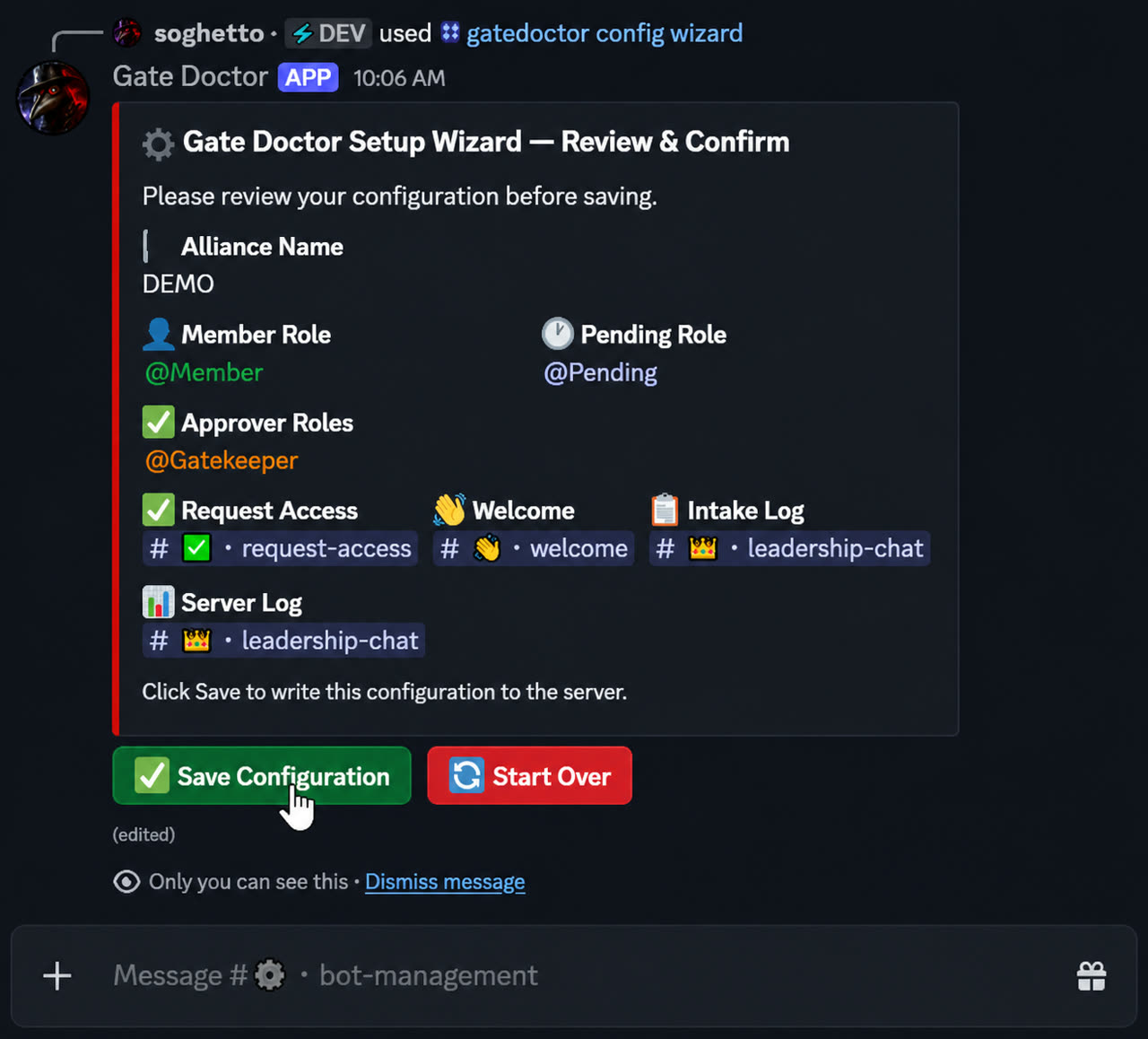
Works with any role and channel names. A guided wizard maps Gate Doctor to your server.
Auto nickname
On approval, the member's nickname is set to their submitted in-game name automatically.
Built-in diagnostics
/gatedoctor verify checks every permission and role hierarchy before you go live.
Custom welcome banner
Use the default Gate Doctor banner or swap in your alliance artwork to match your community's theme.
How it works
Three steps. Most happen automatically.
1. User clicks
New member taps Request Entry and submits their in-game name.
2. Approver taps
Staff get pinged with profile + Grant or Deny buttons. One tap on mobile.
3. Member's in
Roles updated, nickname set, welcome posted, audit logged — automatically.
Get your weekends back.
Setup takes about 5 minutes. Verification is one command. Your staff will thank you.